
Get started
Set up Piny 2 in your React project
Piny runs in your Vite dev server and opens in your browser. Let your agent set it up, do it yourself, or start with a demo project.
What you need
- A React project that uses Vite 5.2+, 6, 7 or 8 and renders in the browser.
- The project runs on your computer with its usual dev command.
- Node.js 20.19+ (20.x), or 22.12 and newer.
- Chrome or another Chromium-based desktop browser.
- Tailwind CSS v4 and Trial or Pro access for visual Tailwind controls. Without Tailwind, Free retains text and ordinary attribute edits; Pro also enables class editing.
Not supported yet: Next.js and other server-rendered setups, monorepos, and dev servers on another machine or over HTTPS.
Recommended
Ask your agent
Paste this into your coding agent:
Set up Piny visual editing in this project, using @pinegrow/piny@latest. Follow https://getpiny.com/get-started.html#agent-setup and give me the Piny editor link when it's ready.
It checks that the project is compatible, installs Piny, adds the Vite plugin, starts your dev server and gives you the editor link.
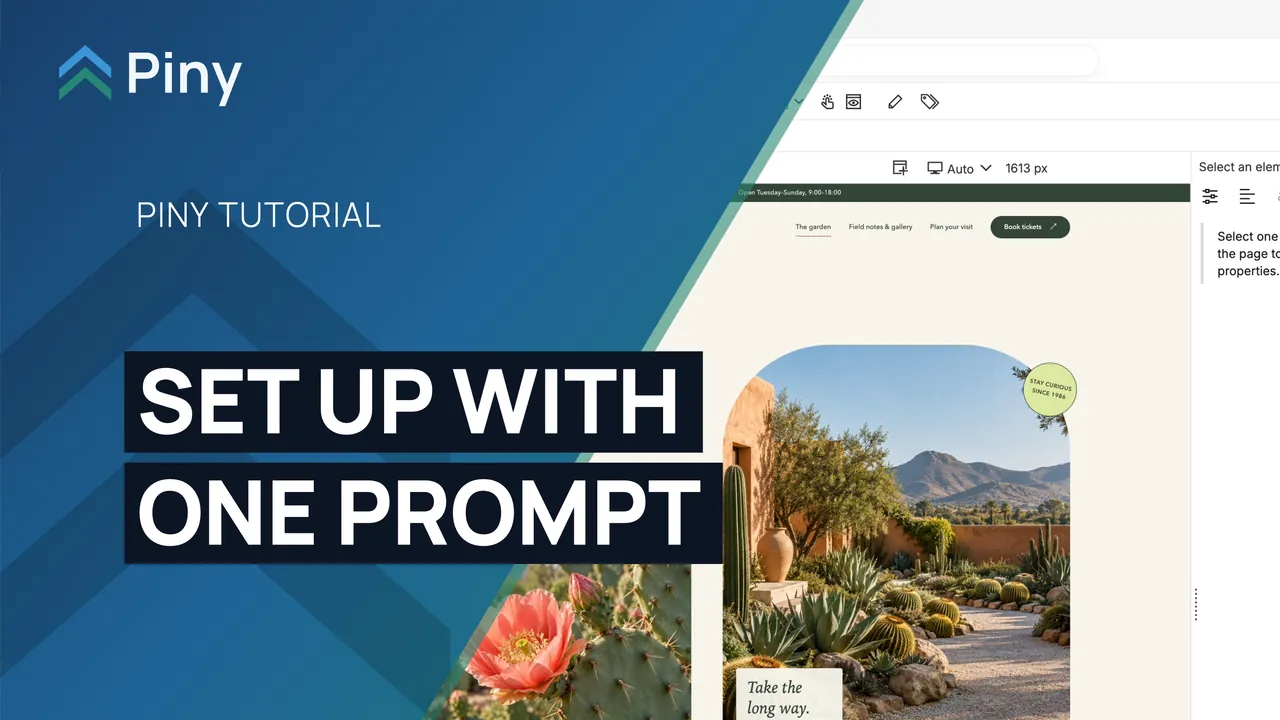
No project at hand?
Start with a demo project
Both demos are React + Vite + Tailwind v4 apps with Piny already set up. Copy a demo's prompt into your coding agent. It downloads the demo, installs it and gives you the Piny editor link. Each demo's README also suggests first edits that work in Piny Free.
Watch: start with a demo project 0:53
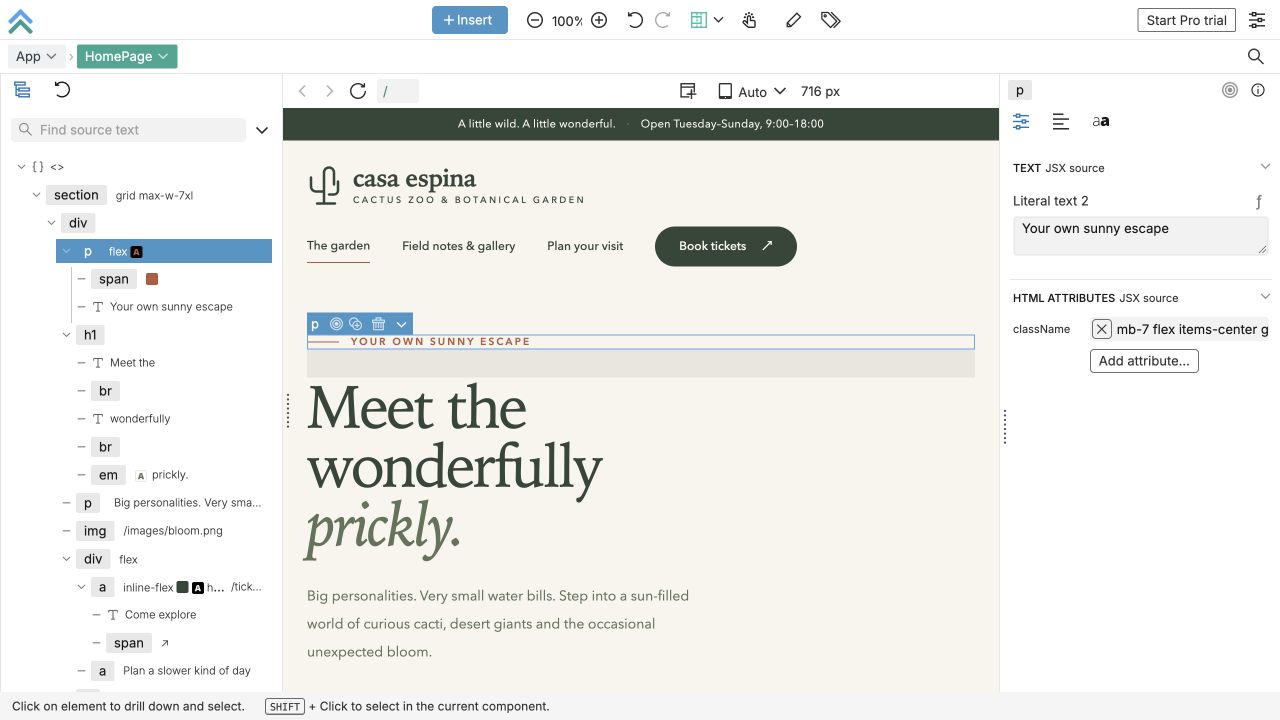
Casa Espina
A sunny cactus garden website with a photo gallery and a pretend ticket booking.
Download the Casa Espina demo for Piny from https://github.com/Pinegrow/piny-demo-casa-espina/archive/refs/heads/main.zip and extract it into a new folder named piny-demo-casa-espina. If the current folder is another project, ask me where to put it first. Then follow the prompt under "Open with your AI agent" in its README.md, and give me the Piny editor link when it's ready.
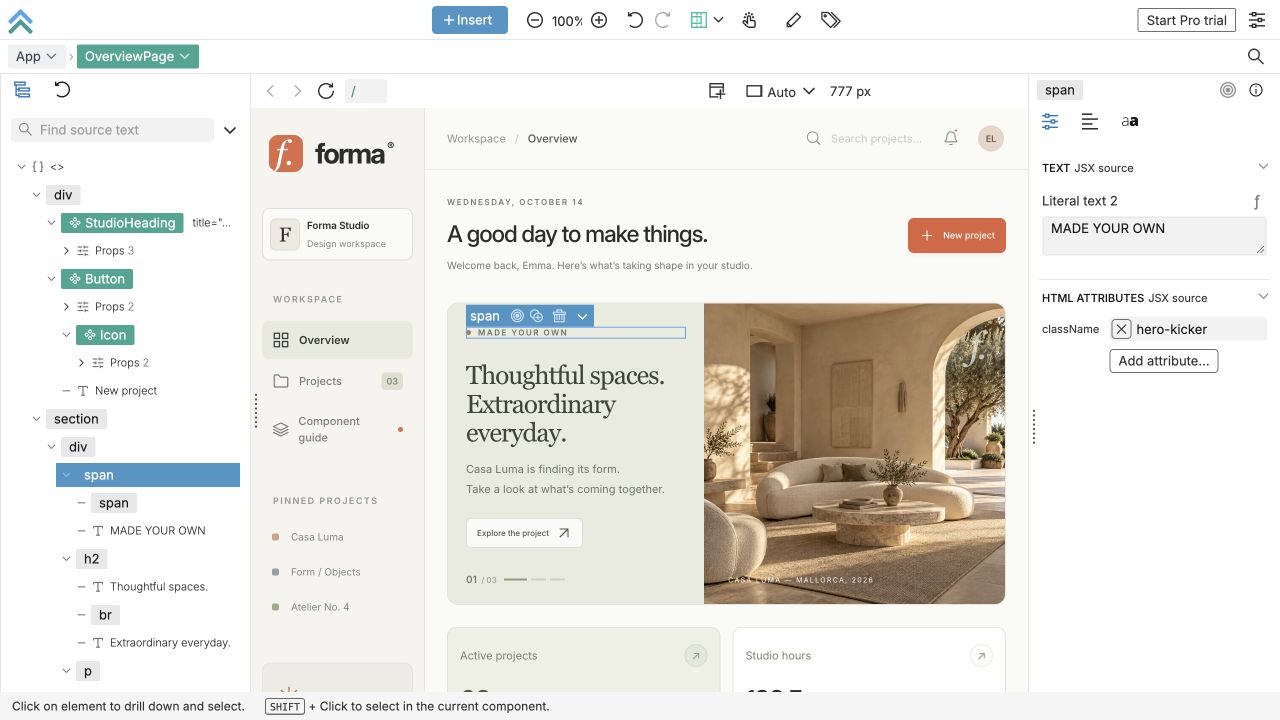
Forma Studio
A fictional design studio with projects, a dashboard and reusable components.
Download the Forma Studio demo for Piny from https://github.com/Pinegrow/piny-demo-forma/archive/refs/heads/main.zip and extract it into a new folder named piny-demo-forma. If the current folder is another project, ask me where to put it first. Then follow the prompt under "Open with your AI agent" in its README.md, and give me the Piny editor link when it's ready.
Manual setup
Set it up yourself
-
1
Install Piny
The same command installs or updates Piny. If it's already installed, Settings → Check for updates also gives you an update prompt for your agent.
npm install --save-dev @pinegrow/piny@latest -
2
Add the Vite plugin
Put
piny()first, before plugins that transform CSS. Leave outtailwindcss()if you don't use Tailwind.import {piny} from '@pinegrow/piny/vite'; export default defineConfig({ plugins: [piny(), react(), tailwindcss()], }); -
3
Start your dev server and open Piny
Open
/__piny/on the address Vite prints, for examplehttp://localhost:5173/__piny/. With a Vite base such as/app/, open/app/__piny/.npm run dev -
4
Make your first edit
Change some text and an image, then try Undo.
Try Piny pro for 14 days
Click Start Pro trial at the top right of Piny and enter the code we email you. No card required. When the trial ends, you're back on Free and your edits stay.
Watch: start your free Pro trial 0:46
Compare Free and ProFor coding agents
Setup instructions for coding agents
Your agent follows these steps when you paste the setup prompt. You can read them too.
-
Inspect the project. Read
package.json, the lockfile, the dev script and the Vite config. Confirm it is a single-package, client-rendered React project on Vite 5.2+, 6, 7 or 8. If it uses Next.js or another server-rendered setup, is a monorepo root, or runs its dev server on another machine or over HTTPS, stop and explain. Don't upgrade dependencies to make it fit. -
Install or update Piny. Install it from npm's latest tag as a development dependency with the project's package manager, for example
npm install --save-dev @pinegrow/piny@latest. Keep other dependency versions unchanged and retain the updated lockfile for repeatable installs. Then runnpm exec -- piny doctor --jsonand fix any blocking checks. Exit code 0 means nothing is blocking. -
Register the plugin. Add
import {piny} from '@pinegrow/piny/vite'and putpiny()first in the existing plugins array, before CSS-transforming plugins. Keep every other option and plugin. Don't replace the config, add a metadata file, or expose the dev server on0.0.0.0or through a tunnel. - Start the dev server. Use the project's normal dev command. If it is already running, restart it after the config change. Don't start a second server for the same project.
-
Verify. Run
npm exec -- piny status --json. Whenserver.stateisready, give the user the exactserver.editorUrl. If several servers match, pass--urlwith the address the dev server printed. - Report. Tell the user which package and config files changed, the installed version, any doctor warnings and the editor link. Don't edit their content just to test the setup.
A cloud agent's localhost isn't the user's computer. Hand off the local steps instead of exposing the dev server.